The Two Ways a Qibla Compass Goes Wrong (And Why Calibration Only Fixes One)
The figure-of-eight motion fixes one kind of compass error and does nothing for the other. Knowing which fault you have is what decides whether waving the phone helps or wastes your time.
 By Muslim App Editorial Team8 min read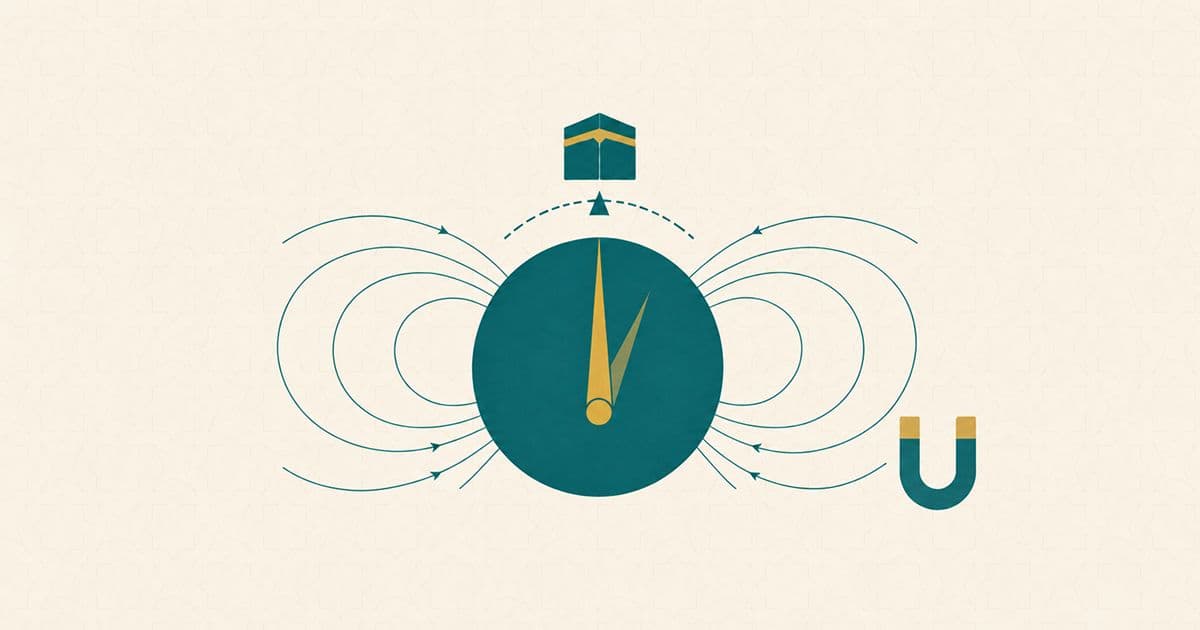
Key takeaways
- A phone compass has two different kinds of error, and they need opposite fixes: one travels with the phone, and one is in the room around it.
- The figure-of-eight motion works on the first kind. Apple's own documentation says calibration "is able to filter out only those magnetic fields that move with the device."
- For the second kind there is no motion that helps. You move the phone away from the source, or you move the source.
- Holding the phone tilted is a separate fault again, and its cost grows the further you are from the equator.
- When a reading will not settle after calibrating and moving away from metal, the remaining move is to change instrument rather than to keep coaxing this one.
A reader described the problem precisely to a scholar: the same spot in the same room read 118 degrees one day, then 103 or 134 on other days. The compass was not disagreeing with the qibla. It was disagreeing with itself. Two of the causes are magnetic; a third, covered further down, is not.
A compass can be wrong in two different ways
Magnetic error comes in two forms, and the distinction decides which fix works. One kind belongs to the phone and travels with it: a magnet in the case, magnetised steel in the chassis, the circuitry itself. The other kind belongs to the room and stays there: rebar in a wall, a steel desk, a laptop, a car door.
Sensor engineering has precise names for what sits inside the device. A manufacturer's application note for a tilt-compensated compass chip defines hard-iron interference as "normally generated by ferromagnetic materials with permanent magnetic fields that are part of the handheld device structure", whose effect "is to bias the magnetic sensor outputs". Soft-iron interference it defines as a field "generated by the items inside the handheld device", which distorts the field passing through it so that "a full round rotation circle become a tilted ellipse". Both sit in the device, and the note is explicit that during calibration "the hard-iron and soft-iron fields also rotate with the device".
The room is a third thing, and the same note names it separately: an electronic compass "is sensitive to environmental magnetic interference fields outside of the handheld device". That sentence is the whole reason two different fixes exist. Android's platform documentation lists what a magnetometer reading is corrected for, and the list is device-internal too: temperature compensation, "Factory (or online) soft-iron calibration" and "Online hard-iron calibration". Neither iron is the room.
What the figure-of-eight actually does
Waving the phone gives the software a set of readings from many angles, so it can work out which part of the field is stuck to the phone and subtract it. Apple describes the purpose plainly: the calibration prompt asks you to move the device in a pattern "so that Core Location can distinguish between the Earth's magnetic field and any local magnetic fields".
Then comes the sentence that almost no guide passes on, and it is the one that matters most:
Apple's documentation states that the process "is able to filter out only those magnetic fields that move with the device", and that to calibrate near another source of interference "the user must either move the device away from the source or move the source in conjunction with the device". The sensor manufacturer's note says the same thing from the hardware side: calibration "can only compensate the hard-iron and soft-iron interference magnetic field generated by the handheld device itself".
So the figure-of-eight is not a general-purpose fix. It is a fix for one fault. If the interference is the desk rather than the phone, you can wave until your arm aches and the reading will not improve.
The interference that no amount of waving will fix
For room-based interference there is only one move: increase the distance, or change the room. Step away from the radiator, put the laptop down, get out of the car, walk to the middle of the floor rather than standing against a wall.
Magnetic phone cases and charging accessories are the awkward case, because they belong to the first category and yet sit permanently against the sensor. A 2023 study in Sensors, mapping phone magnets for a different purpose, measured the annular magnet array in an iPhone 13 Pro at 68.8 millitesla against the back surface, falling to about 1 millitesla by 19 millimetres away. The Earth's field, the thing the compass is trying to read, is "about 0.5 to 0.6 gauss", or 0.05 to 0.06 millitesla. At contact the accessory beats the signal by three orders of magnitude, and even two centimetres out it is still more than ten times stronger.
How many degrees a particular object costs you is harder to pin down. Figures circulate in guides with no method attached to them. Experimental work does exist on some of this, vehicle interference among it, but it sits behind paywalls and does not convert into a number that applies to your own kitchen. Treat a specific degree figure as an estimate unless it arrives with a method.
The mistake that has nothing to do with magnets
Holding the phone at an angle is a separate fault, and it is the one the software works hardest to hide. A compass measures a horizontal direction, so the accelerometer is used "to measure the tilt angles of pitch and roll for tilt compensation", and a well-implemented compass holds its heading across a wide range of tilt. What it cannot do is correct for a tilt it has itself measured wrongly.
That residual error does not cost the same everywhere. Technical documentation from a compass-sensor manufacturer works it through: where the field runs nearly horizontal, at a magnetic dip of about five degrees, a one-degree error in the tilt measurement produces "no greater than 0.09° heading error", while at a dip of eighty degrees, in northern Alaska, the same one-degree error produces "as much as 6° heading error". The more steeply the field dips into the ground where you are, the less the geometry forgives, and it dips more steeply the further you are from the magnetic equator.
Apple's instruction for its own Compass app is the short version: "For accurate bearings, hold iPhone flat to align the crosshairs at the center of the compass." Muslim App's store listing gives the same advice, adding that the phone should be kept away from electromagnetic fields and metal objects.
What "accurate" means on a phone compass
Less than most people assume, and the platforms say so themselves. Android's documentation defines its heading accuracy figure as a confidence interval rather than a bound: "Accuracy is defined at 68% confidence", so that "if heading returns 60 degrees, and accuracy returns 10 degrees, then there is a 68 percent probability of the true heading being between 50 degrees and 70 degrees". Read that the other way round and roughly one reading in three falls outside the stated band.
Apple is blunter still in the user guide for its own Compass app, warning that accuracy "can be affected by magnetic or environmental interference" and to "use the digital compass only for basic navigation assistance". A separate systematic offset, the difference between magnetic and true north, is not a fault at all but a known correction that apps apply from a published model; the qibla guide shows how it is corrected for where you stand.
When to stop asking the compass
If a reading will not settle after you have calibrated and moved away from metal, the remaining move is to change instrument rather than keep coaxing this one. Muslim App's help page ends its own list that way: after calibrating, moving away from interference and checking location services, it suggests trying the map method instead of the compass method. Its support replies name the same three causes, pointing to location settings, compass calibration, or nearby metal and magnetic fields. The qibla guide sets out four ways to establish the direction and how to check one answer against another.
Location is worth checking whichever method you land on, since a bearing computed from the wrong place is wrong however cleanly it was measured. If your location looks stale or approximate, that is its own fault with its own diagnosis, and you can set it by hand rather than waiting for it to correct itself.
What this article does not settle
Two questions sit outside it. How far off is too far is a matter of fiqh rather than sensors, and the sources that answer it do not all give the same number, so it is worth putting to your local scholar or to a mosque near you. The same goes for a mosque whose mihrab does not match what your phone shows: this article can explain why two readings might differ, but it does not settle which one to follow, and a phone reading is not what that decision turns on.
Take the reading under conditions you control
Most of what goes wrong is decided before the reading is taken: away from metal, phone flat, freshly calibrated, and checked against the map view rather than against a second compass. Then note what the direction lines up with in the room, a window or a wall, so a later check starts from something fixed rather than from scratch.
Muslim App gives location-based prayer times and a qibla finder with both map and compass modes, and lets you set your location manually when automatic positioning is not cooperating.
Frequently asked questions
Because something magnetic near the phone is changing between readings, or the phone is being held at a different angle. A compass reports the field it can measure, and that field includes whatever metal and electronics are around it. Move away from desks, radiators and laptops, hold the phone flat, calibrate, and take the reading again in the same conditions.
About the author

Muslim App Editorial Team writes practical guides on prayer, building a consistent salah habit, and Muslim life at work and on the road. Where an article touches on religious rulings, it states only positions the four Sunni schools agree on, with their source, and leaves questions on which the schools differ, or that depend on your situation, to a qualified scholar. Our articles are not fatwas.