Prayer Times and Qibla Without a Signal: What Works, What Breaks, and Why
Most apps list "works offline" as a feature and leave it there. The more useful question is why: prayer times are astronomy computed on the device, the qibla is a bearing between two coordinates, and the parts that stop are the ones that were always a search.
 By Muslim App Editorial Team11 min read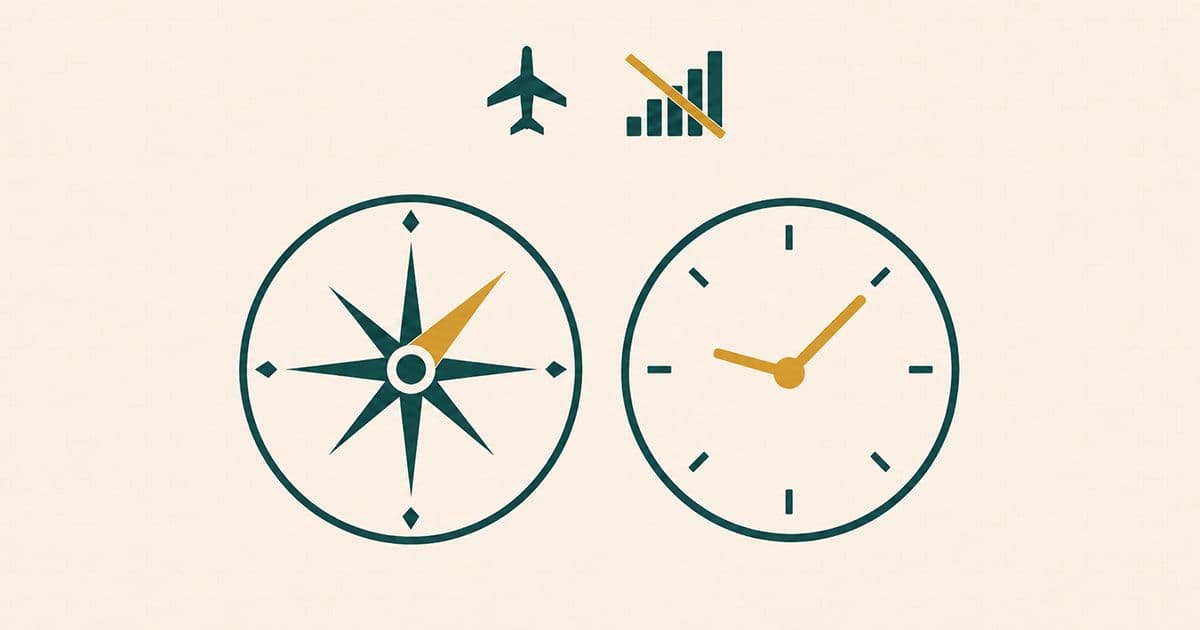
Key takeaways
- Prayer times and a qibla compass keep working with no signal because both are calculated on the phone rather than fetched from a server.
- Satellite positioning needs no data connection, because the satellites broadcast one way and the phone only listens. Indoors it may lean on Wi-Fi instead.
- The compass finds true north offline because the magnetic model it corrects with ships inside iOS and Android.
- What actually stops is searching: looking up a new city, finding mosques nearby, streaming audio and syncing all need a connection.
- A map view is the part most likely to stop, because map imagery is streamed as tiles from a server rather than computed on the phone.
Almost every prayer app lists "works offline" as a feature and leaves it there. That tells you nothing about which parts keep working when the signal drops, or why the qibla sometimes points fine while the map behind it stays blank. The answer is more useful than the feature bullet: prayer times and the qibla are computed on your phone, and the things that break are the things that were always a search.
What actually stops working
Less stops than most people expect. The dividing line is not between important and unimportant features, but between calculation and lookup: anything the phone can work out from numbers it already has keeps running, and anything that has to ask a server for an answer does not.
Muslim App's own help pages draw that line in two sentences. The first: "many features of Muslim App work offline. Prayer times for your saved location, Qibla direction (compass method), and downloaded Quran content are available without internet." The second names the other side: "some features like location search, online Quran audio, and syncing require an internet connection."
Read those together and the pattern is clear. Times, direction and downloaded text are all local. Searching for a place, streaming audio and syncing between devices are all requests to something else. The rest of this explains why each side falls where it does, because knowing the reason tells you what to expect on a flight, in a basement, or in a country where you have not bought data yet.
Prayer times are astronomy, not a download
A prayer timetable is not a file fetched from anywhere. It is computed from the position of the sun for one set of coordinates on one date, which is arithmetic your phone can do on its own in a fraction of a second.
The reference implementation that many prayer time libraries follow states the basis plainly: "these prayer times are determined based on the position of the sun", and it names the two astronomical quantities involved: "the Equation of Time and the Declination of the Sun." Both are standard functions of the date. Neither requires a network.
The underlying solar mathematics is public and long settled. NOAA notes that its own sunrise, sunset and solar position calculators "are based on equations from Astronomical Algorithms, by Jean Meeus", which is a book rather than a service. Once the sun's position is known for your latitude and longitude, each prayer is tied to a solar condition rather than to a clock time.
Why the conventions differ, and why it does not matter here
Exactly which condition is where the conventions differ, and the differences are real rather than cosmetic. AlAdhan's reference describes a calculation method as a small set of parameters: "The Fajr Angle", "The Maghrib Angle or minutes after sunset that Maghrib should be", and "The Isha Angle or minutes after Maghrib that Isha should be". Isha is an angle in some conventions and a fixed interval in others, and Maghrib is not defined identically everywhere either. Which convention to follow, and why two apps in the same city can disagree, are separate subjects covered on their own.
For the offline question the point is narrower, and it survives all of that variation. Whichever convention an app follows, that convention amounts to a handful of constants stored in the app, and the timetable it produces for your prayer times is generated on the device from your coordinates and the date.
GPS is not the internet
This is the misconception that produces most of the confusion, and it is worth stating flatly: satellite positioning does not use your data connection at all. The two are separate radios doing unrelated jobs, and one keeps working when the other has nothing to connect to.
The US government's own explanation is unusually clear. GPS.gov states that "the GPS satellites themselves do not track anything on the ground. They are simply beacons, like lighthouses, broadcasting one-way reference signals."
A lighthouse does not know who is looking at it. Your phone listens to several of these beacons, compares how long each signal took to arrive, and solves for its own position. Nothing is sent back, and no server is involved: the space segment is "a constellation of satellites transmitting radio signals to users."
Where a connection still plays a part
Satellite positioning needs no data connection, with two qualifications. The first is that a data connection can speed up the first fix, because the phone can be handed the satellites' predicted positions instead of reading them out of the signal itself. Assisted positioning is an accelerator rather than a requirement, and without it a receiver falls back to working alone and takes longer to settle.
The second matters more indoors. Satellite positioning is not the only way a phone locates itself: Apple's description of Location Services is that when satellites are out of view, "your device uses Wi-Fi or cellular networks to determine your position until the GPS satellites are visible again".
Whether that fallback needs a data connection may depend on what is already on the phone. In a 2011 statement, Apple said these Wi-Fi and cell tower calculations "are performed live on the iPhone", using a subset of its location database that it downloads to the phone as a cache of "Wi-Fi hotspots and cell towers around your current location". Apple's current Location Services support and privacy pages do not say whether it still works this way.
Read together, that suggests the fallback on an iPhone can run on data it already holds for a wide area around it, but it still needs Wi-Fi networks or cell towers nearby that it can detect, and an iPhone somewhere new may need a connection to fetch data for that area. A phone deep inside a building may therefore struggle to establish a fresh position with no signal, while the times already calculated for a location it has saved keep displaying exactly as before.
Why the compass still finds north
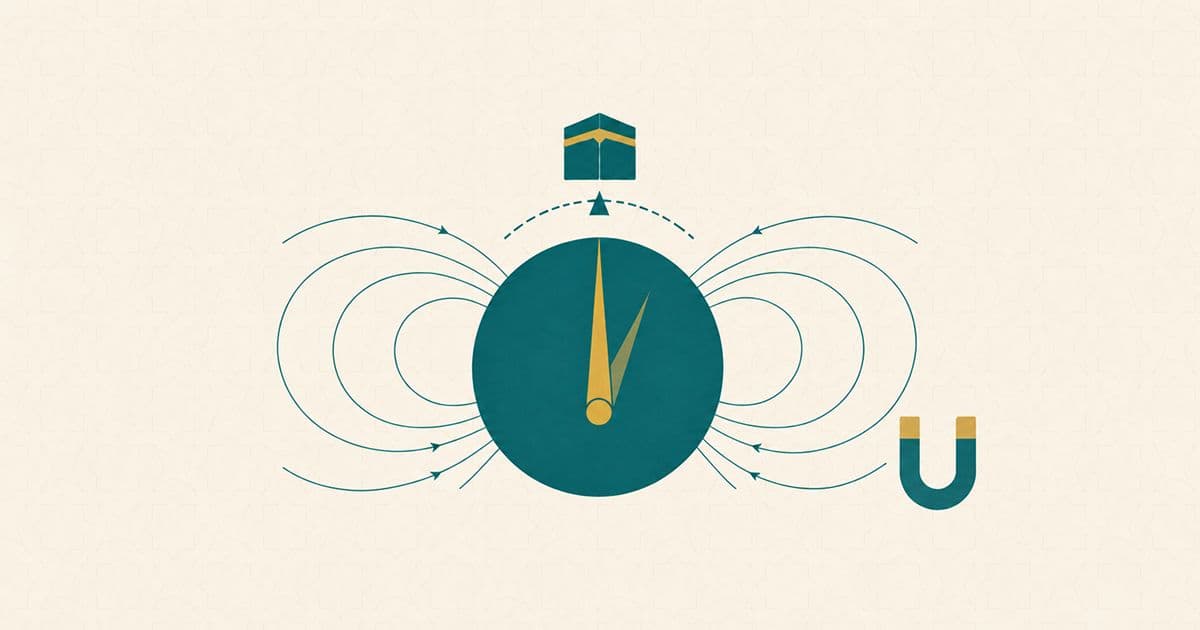
A phone compass reads the Earth's magnetic field with a sensor in the handset, so it needs no connection to produce a heading. The interesting part is the correction it applies afterwards, which is also stored locally.
Magnetic north and true north are not the same direction, and the difference changes depending on where you stand. Phones correct for it using the World Magnetic Model, which NOAA describes as "the standard model for navigation, attitude, and heading referencing systems that use the geomagnetic field". The detail that settles the offline question is where that model lives: NOAA notes that "WMM comes pre-installed in Android and iOS devices, thereby bringing its use to more than a billion devices around the world."
Pre-installed is the operative word. The correction that turns a magnetic reading into a true-north heading is already on the handset, which is why a compass behaves the same with the signal on or off. The model is refreshed on a slow cycle rather than continuously: NOAA updates it "every five years to address changes in Earth's magnetic field," and the current version, WMM2025, "was released on December 17, 2024, and will remain valid until late 2029."
What a compass cannot do offline or online is ignore the metal around it. The two ways a qibla compass goes wrong explains why a reading drifts indoors and what actually fixes it.
The qibla itself is arithmetic
The direction to the Kaaba is a bearing between two points on a sphere. Your coordinates are one point, the Kaaba is a fixed constant, and the answer is a single number that any device can compute without asking anyone.
The formula is standard navigation mathematics: the initial bearing along a great-circle arc between two latitude and longitude pairs. Open-source implementations of it are published and auditable, and they share the same shape: a hard-coded position for Makkah, a spherical trigonometry formula, and exactly one input, which is your own coordinates. There is no network call in them because there is nothing to ask.
This is why the compass side of a qibla screen is the side that survives a lost signal: both the heading and the magnetic correction are local computations over local data. How to find the qibla in practice, and what to do when a compass and a map disagree, are separate subjects covered on their own.
Map views are the fragile part
Where a screen draws a map rather than a compass rose, the map is the piece most likely to want a connection. Map imagery is delivered as tiles requested from a server as you pan and zoom, which is a different kind of thing from a heading computed on the handset.
Licensing points the same way for some providers. Google's Map Tiles terms state that "you must not pre-fetch, index, store, or cache any Content except under the limited conditions stated in the terms", and list offline uses among the prohibited ones. Other providers take a different line and support downloading regions in advance, so this is a per-provider matter rather than a universal rule, which is why offline map behaviour varies between apps that look identical.
The safe expectation is therefore the narrow one. A compass heading is arithmetic and does not depend on any of this; a map behind it may or may not, depending on how that particular app sources its imagery. Muslim App's qibla finder offers both a map and a compass mode, and its help pages list the compass method among the features available without internet.
What genuinely needs a connection
Beyond the positioning case above, three things, and they have one property in common: each is a request for information the phone does not already hold. Muslim App's documentation lists them as "location search, online Quran audio, and syncing."
Location search is the one that surprises people, because it feels like part of the same location feature that usually works offline. It is not. Working out where you are is a calculation the phone can do from satellite signals; turning "Kuala Lumpur" into a pair of coordinates, or finding what is near you, means querying a database of places. This is why a mosque directory needs a connection while a prayer timetable does not.
Audio splits along the same line: streaming a recitation is a request, playing one you already downloaded to the Quran section is not. Syncing is by definition a conversation with another device.
One more thing can go wrong without any of these breaking, and it is worth naming because it looks identical to a broken timetable: if the phone's clock is on the wrong time zone, correct prayer times will be displayed against the wrong hours. That failure is about the clock rather than the calculation, and it is covered in a separate guide to keeping your schedule accurate when you cross US time zones.
Airplane mode, stated honestly
Airplane mode is the case people ask about most, and it is the one where the documentation is least helpful. Apple's current description says only that turning it on "turns off all radios except for Bluetooth", and it does not mention GPS or location at all.
Google's equivalent page for Pixel devices is similarly silent on location, covering Wi-Fi and Bluetooth without addressing satellite positioning at all.
What can be said without overstating it: a satellite receiver only listens, so there is no technical reason for it to interfere with anything in flight, and no current manufacturer documentation states that it is disabled. What cannot be said is that any given handset will behave a particular way. The practical answer is to test your own phone on the ground: enable airplane mode at home, open the app, and see whether the compass and the times behave. Five seconds of checking beats an assumption at 30,000 feet.
What to expect when the bars disappear
The short version is that the two things you most need keep working, and for a reason rather than by luck. Prayer times are astronomy computed from your coordinates and the date. The qibla is a bearing between your position and a fixed point, corrected by a magnetic model that already sits on your phone. Neither has anything to ask a server for.
What goes quiet is the searching: a new city you have not looked up, a mosque list, a recitation you have not downloaded. Knowing which side of that line a feature falls on is the whole skill, and it turns a dead signal from a problem into a non-event.
Muslim App keeps prayer times for a saved location, the compass-mode qibla and downloaded Quran content available without internet. Download it for iOS or Android, and set it up while you still have a signal.
Frequently asked questions
Yes, for the times themselves. A prayer timetable is calculated from the sun's position for your coordinates on a given date, which the phone does locally. Muslim App states that prayer times for your saved location, the compass-method qibla and downloaded Quran content are available without internet. What needs a connection is looking up a new city, streaming audio and syncing.
About the author

Muslim App Editorial Team writes practical guides on prayer, building a consistent salah habit, and Muslim life at work and on the road. Where an article touches on religious rulings, it states only positions the four Sunni schools agree on, with their source, and leaves questions on which the schools differ, or that depend on your situation, to a qualified scholar. Our articles are not fatwas.